Under $350, you already know there are going to be compromises. The part worth figuring out is whether those compromises stay out of the way during normal schoolwork or start getting annoying after the first week.
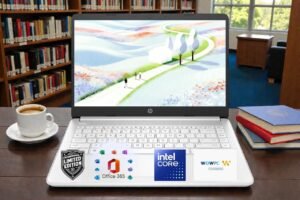
This HP 14 comes with 4GB of RAM, 128GB of UFS storage, Windows 11, and a 1366 x 768 HD display on current configurations. HP positions it around browsing, study, and everyday home use, and that lines up with the hardware you are getting.
What we care about more is how it feels once a paper is open, several tabs are running, and you are jumping between research and class work. This HP laptop review gets into that side of it, plus where the storage, display, and memory limits start to become noticeable.
HP Laptop PC 14 Specifications
| Specification | Details |
|---|---|
| Processor | Intel N150 |
| CPU Cores | 4 cores / 4 threads |
| Max CPU Speed | Up to 3.6GHz |
| RAM | 4GB |
| Local Storage | 128GB |
| Display | 14 inch anti glare |
| Listed Resolution | 1366 x 768 HD |
| Brightness | 250 nits |
| Graphics | Integrated Intel Graphics |
| HDMI | Yes |
| Weight | Around 3.3 lb depending on configuration |
What Makes the HP Laptop PC 14 Appealing Under $350?

Intel N150 Handles Basic Everyday Work
Four cores and a maximum boost of 3.6GHz cover documents, email, web apps, streaming, and basic schoolwork without much complaint. Set expectations accordingly though, this laptop chip has no business running demanding photo or video editing, software development workloads, or modern gaming at anything beyond the lowest settings.
Compact 14 Inch Size Travels Easily
A 14 inch chassis carries far easier to school, work, libraries, or coffee shops than a typical 15.6 inch budget notebook. That smaller footprint fits into a backpack pocket most 15.6 inch machines can’t squeeze into comfortably.
Modern Ports Reduce the Need for Adapters
With HP laptop 14 you will get a genuinely useful spread here:
- USB-C
- Two USB-A ports
- HDMI
- Headset jack
- SD card reader
You can connect a mouse, flash drive, external display, or headset with the ports already built into the laptop.
Wi-Fi 6 Is Good to See at This Price
Wireless support does not feel outdated here. The HP Laptop PC 14 comes with Realtek Wi Fi 6 and Bluetooth 5.4, giving it a more current connection setup than you might expect from a basic student laptop.
How Fast Is the HP Laptop PC 14 in Daily Use?
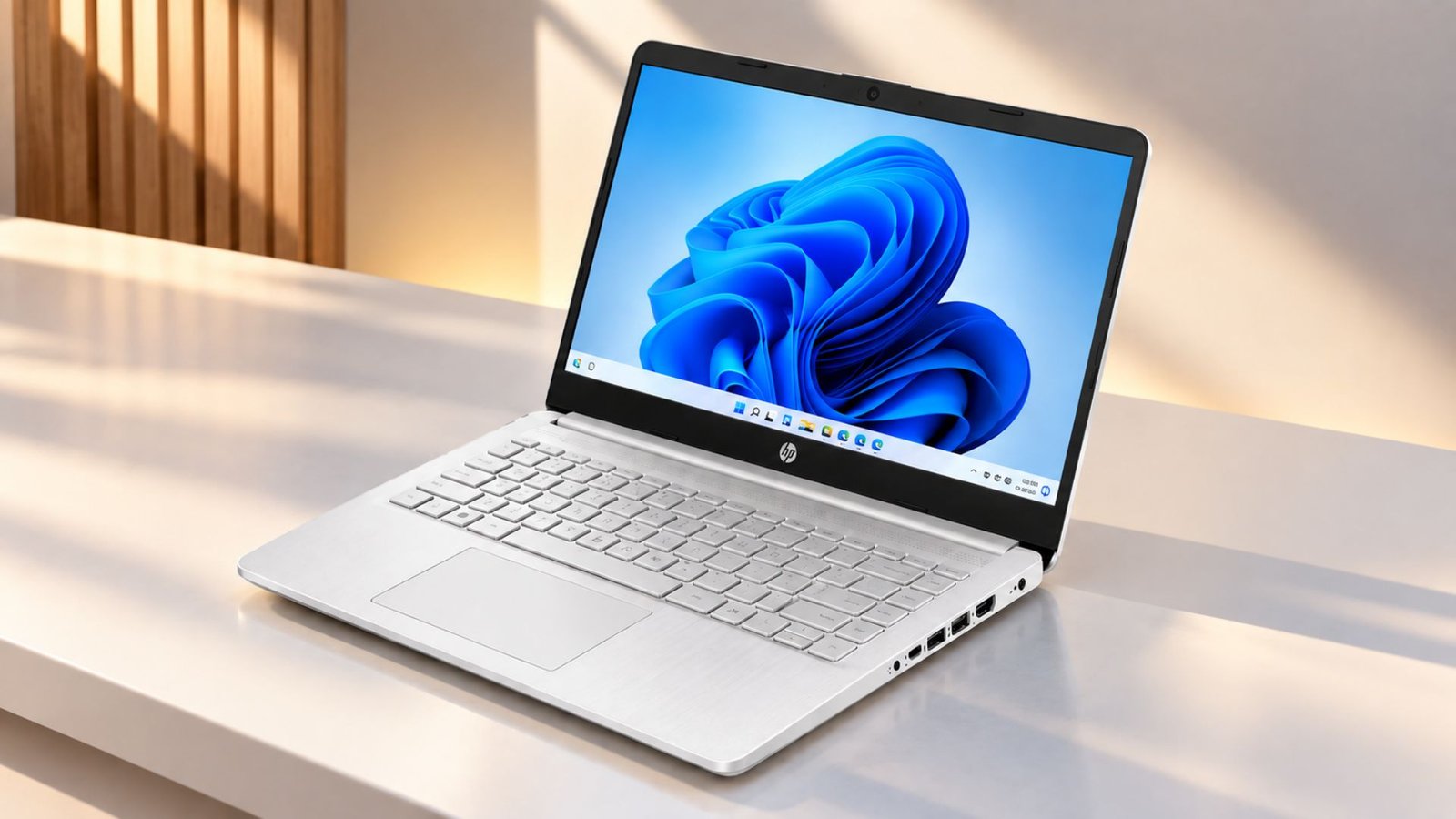
The real-world performance of this HP essential laptop 2026 ultimately depends on the balance of the workload. A single browser window with a couple of tabs opened plus a Word document running is not a problem for the N150 processor.
However, several tabs, a video streaming platform, and a download task will already put a strain on the system’s performance due to RAM constraints. The boot process is not a concern either as the UFS storage emulates traditional hard drives but is much quicker.
Turns out, opening email, assignments, or course materials in the browser is manageable. Altogether, using the HP Intel N150 laptop is pretty handy for the majority of users as a single tasking tool instead of something built for heavy multitasking, because pushing past that boundary exposes the RAM ceiling fast.
Is 4GB of RAM Enough in 2026?
Four gigabytes memory still meets the Microsoft minimum requirement for Windows 11, but in reality, having only four gigabytes does not feel so good in normal use.
Microsoft recommends eight gigabytes of random access memory (RAM) for smoother performance in the long run, so this clearly shows what position 4GB takes in the RAM category.
In terms of home or academic schoolwork, the HP laptop pc 14 can support a browser, word processor, email, and streaming service, as long as it is not overburdened.
The real issue where it could lag and do not work the way a laptop should is when you do multitasking. It doesn’t handle too many chrome browser tabs at the same time. What we do actually when testing a laptop to check how well it handles chrome tabs, we search best laptops for students or similar keywords and open big niche sites that are quite heavy to load and consume RAM quite fast, though. It tells us a laptop capability against heavy chrome workload.
And unfortunately, you will face the same issue with HP laptop PC 14, even though it’s 2026 HP essential edition, it falls badly in terms of heavy work.
128GB UFS Storage: Enough or Too Limited?
Actually 128 GB is nothing if you have to save bigger files. Window 11 takes much of the space on its own and if you were to install MS word, canva, chrome, microsoft edge and save a couple of files then you would have already consumed almost half of the space.
The UFS storage is notably faster than traditional hard drives. It turns out that boot and load times are positively impacted by the capacity limitation. If you are planning to store large libraries of media, extensive sets of project files, or numerous applications locally, you are going to run into this issue within a few months or probably within days after buying.
How Good Is the 14 Inch Display?
- Anti Glare Finish Helps With Reflections: Useful specifically in classrooms, offices, and other brightly lit environments where a glossy screen would reflect overhead lighting straight back at you.
- 250 Nits Is Basic Indoor Brightness: Adequate indoors, but this display was never designed for bright outdoor use, and direct sunlight will wash it out quickly.
HD Resolution Is the Main Compromise
Matching HP N150 configurations documented across retailer spec sheets use a 1366×768, 250 nit, roughly 62.5% sRGB display, noticeably less sharp than the Full HD alternatives common at this price range now.
A 1920×1080 screen gives considerably more usable desktop space and sharper text, both genuinely useful for a student juggling multiple windows or reading dense course material for hours at a time.
It’s worth mentioning that the Amazon listing for the same configuration actually has contradictory information about the display resolution, with some fields implying a 1080p display while the detailed specification sheet lists a 1366×768 display, so it’s worth double-checking the exact display resolution on the listing before purchasing this HP laptop PC 14.
Battery Life and Portability Of HP Laptop PC 14
Carrying the HP Laptop PC 14 every day should not be much of a problem. HP lists the weight at 1.41 kg, or roughly 3.1 pounds, so it stays comfortably in the portable end of the budget laptop market.
Battery capacity comes in at 41Wh. That should be fine for lighter schoolwork, but you would need to keep the charger nearby if your day includes long video calls, constant streaming, or high screen brightness.
The good part is charging speed. HP says the laptop can reach about 50% battery in 45 minutes. Turns out, even a short break near an outlet can give you enough power to get through the next part of the day.
Webcam, Audio, and Online Classes
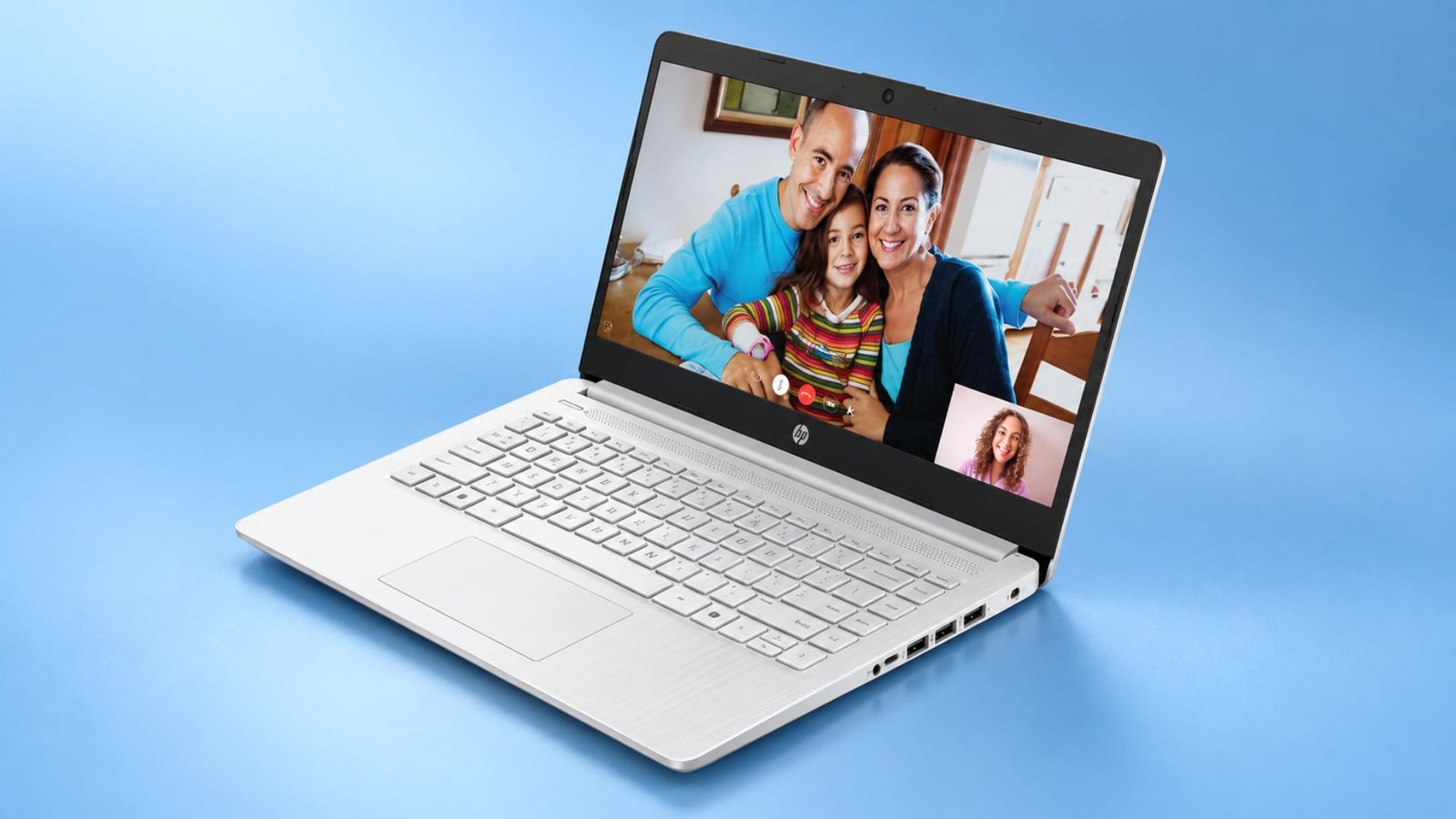
Online classes are where the HP Laptop PC 14 feels exactly like a budget machine, but still usable. The 720p True Vision camera is good enough for Zoom, Teams, or a quick class call, and HP adds temporal noise reduction plus dual array microphones to help keep your voice clearer.
The speakers are fine for lectures and regular video playback, but we would certainly not buy this laptop for music quality. They do the job, just with the kind of basic sound you would expect at this price.
For school calls, everything you need is already built in. Camera, mic, and speakers all work well enough for daily classes, even if none of them feel premium.
Microsoft 365, Copilot, and 1TB Cloud Storage
The 1TB of OneDrive space is probably the most useful part here if Microsoft 365 comes bundled with your model. Microsoft 365 Personal includes Word, Excel, PowerPoint, Copilot access, and 1TB of cloud storage.
That changes how limiting the 128GB drive feels day to day. You can keep class notes, papers, presentations, and other files in the cloud and leave more room on the laptop for Windows and the apps you actually use.
Copilot is there too, but the 4GB memory limit still hangs over the whole experience. It is fine for lighter use, just not something you would lean on heavily while a bunch of other apps are open.
What We Like
- Lightweight everyday design
- Good port selection
- Modern Wi-Fi 6
- Simple Windows experience
- Useful SD card slot
- Low power processor
- Portable 14 inch size
What We Don’t Like
- Only 4GB RAM
- Basic HD display
2 Best Alternatives to the HP Laptop PC 14
Lenovo IdeaPad Slim 3i

This Lenovo fixes two of the biggest weak spots on the HP laptop pc 14 straight away. You get 8GB of RAM and a 15.6 inch Full HD display, so everyday use feels a lot less cramped.
Eight gigabytes gives Windows 11 more room once you start opening research tabs, a document, email, and another app at the same time. That is a much better fit for students who do not want to keep closing things just to keep the laptop responsive.
The 1920×1080 resolution allows text to appear slightly sharper, and the increased screen size offers more space for research, split-screen, and everyday use. The Intel N150 keeps the basic performance level close to the HP, so you definitely should not buy this expecting a huge jump in processing power. The better reason to choose it is the 8GB memory and bigger Full HD screen.
You do give up some portability. Lenovo lists the 15.6 inch chassis at around 1.55 kg on some configurations, so it takes up more room in a backpack than the smaller HP 14.
Dell Latitude 7420 — Best Under $350 Alternative for More Performance

Moving up to a renewed Core i7-1165G7 processor puts this laptop for students in a genuinely different performance tier. The system pairs 16GB of RAM with a 512GB SSD.
Both specifications sit far beyond what either the HP laptop pc 14 or the Lenovo offer. Opting for a refurbished unit brings the price down into range despite specs that would otherwise cost considerably more new.
You should factor in that renewed hardware carries different expectations around cosmetic wear and battery health compared to a fresh unit.
A 14 inch Full HD display with a matte finish handles both brightness and reflection concerns well.
Windows 11 Pro adds business grade features some students specifically need for coursework involving remote access or advanced security settings.
HP Laptop PC 14 vs Its Alternatives
| Feature | HP Laptop PC 14 | Lenovo Slim 3i | Dell Latitude 7420 |
| CPU | Intel N150 | Intel N150 | Core i5-1135G7 |
| RAM | 4GB | 8GB | 8GB |
| Storage | 128GB UFS | 128GB | 512GB SSD |
| Screen | 14″ HD | 15.6″ FHD | 14″ FHD |
| Best Fit | Basic portable use | Better multitasking | High performance |
Frequently Asked Questions (FAQs)
Is the HP Laptop PC 14 good for students?
For light coursework, one task at a time, yes. For students who regularly multitask across several apps and browser tabs, the 4GB RAM ceiling will become a real frustration.
Is 4GB RAM enough for Windows 11?
Technically it meets Microsoft’s minimum requirement, though practically it’s tight, with the operating system alone consuming a meaningful share of that memory before any application even opens.
Can the HP Laptop PC 14 run games?
Only very light, older titles at low settings. Integrated graphics and 4GB of RAM rule out anything resembling modern gaming performance.
Wrapping Up – Is the HP Laptop PC 14 the Best Laptop Under $350?
While being light for single-tasking needs like checking emails, writing school papers, or visiting the course materials one tab at a time, this HP laptop under $350 offers a decent value for the money with the WiFi 6 support and comes with a Microsoft 365 subscription. However, it is better not to overload it with the multiple tasks as the 4 GB RAM is enough to freeze the system in case of multiple tasks. If you are willing to spend a bit more on the school laptop, Lenovo with 8 GB of RAM would be a better investment as it would resolve the most common HP Laptop PC 14 issue.