
Cryptocurrency trading success hinges on having the right tools at your disposal. The market moves at a breakneck pace, and a slow, underpowered machine doesn’t just frustrate you. It costs you money.
Whether you’re trading Bitcoin, Ethereum, Binance, Cardano, XRP, Chainlink, or any number of other assets, your laptop needs to keep up without lag, without crashes, and without security gaps that put your portfolio at risk. We’ll cover exactly what to look for in a best laptop for cryptocurrency setup and which five machines are worth your money in 2026.
Buying Guide – How to Choose the Right Crypto Laptop
Budget Tiers
A crypto trading laptop does not have to be the most expensive machine on the shelf, but it does need to clear certain bars to function well in a fast-paced trading environment.
Under $600 gets you a solid budget crypto option for light trading and portfolio monitoring. You’ll want at least 16GB of RAM and an SSD at this tier. At $600 to $1,200, you’re in the sweet spot for most active day traders.
Above $1,500, you’re looking at premium machines with fast processors, larger displays, and the kind of build quality that holds up over years of heavy use.
Use-Case Recommendations
For day trading, raw speed matters most. How fast the computer processes information and executes operations directly affects your ability to respond to market moves. Look for a fast processor, at least 16GB of RAM, and SSD storage. Solid-State Drives deliver the read and write speeds that keep trading platforms running without stutter.
For long-term holding and portfolio tracking, a thinner, more portable machine works fine. Battery life and a quality display matter more here than raw processing power.
For light mining, GPU power becomes relevant. A dedicated graphics card extends what your machine can handle, though serious mining still belongs on desktop rigs rather than laptops.
One thing every serious trader should keep in mind: the drawbacks of using a laptop include limits on how many external monitors you can connect. A multi-monitor trading setup is possible, but check the port and display output specs before you buy.
What to Avoid
Skip any laptop with less than 16GB of RAM if you plan to run multiple exchanges and charting tools simultaneously. Avoid older-generation processors that bottleneck your trading platform.
And stay away from machines with weak cooling systems. Crypto trading software runs hot, and a laptop that throttles under sustained load will eventually slow down at the worst possible moment.
We believe safety and security are extremely important when it comes to cryptocurrency trading. A secure crypto laptop should include a fingerprint reader or IR camera, encrypted SSD storage, and a trustworthy operating system with regular updates.
Top 5 Best Laptops for Cryptocurrency in 2026
1. Lenovo ThinkPad X1 Carbon Gen 13 — Best Overall Crypto Trading Laptop
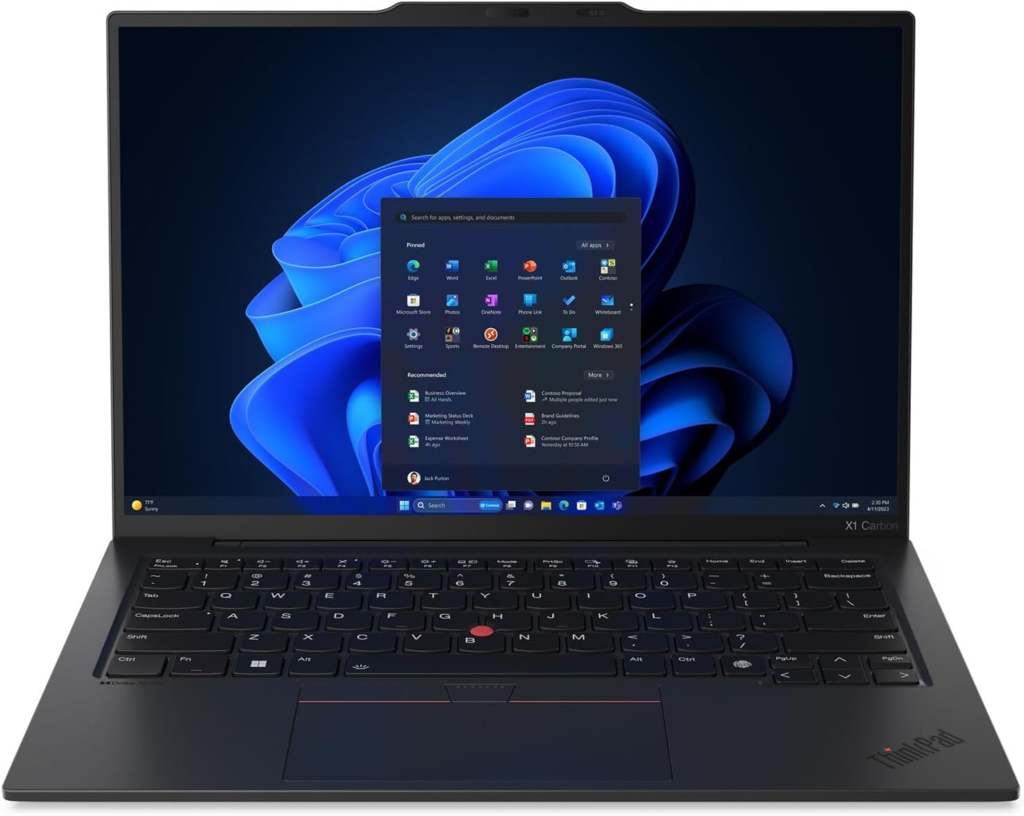

Best for: Active day traders who need a reliable, travel-ready machine.
The ThinkPad X1 Carbon has been the go-to machine for professional traders who need reliability above everything else, and the Gen 13 Aura Edition makes a strong case for being the best laptop for cryptocurrency traders who work across multiple platforms daily.
The Intel Ultra 7 258V processor is a step above the standard U7 165 chip, and you feel that difference when you’re running Binance, a charting suite, and a VPN simultaneously without any slowdown. The 32GB DDR5 RAM handles everything you throw at it. The 2TB Gen 5 SSD means your trading platform and transaction history load instantly every single time.
The 14-inch 2.8K OLED display delivers sharp, accurate color, which matters more than people realize when you’re reading candlestick charts for hours. Users who’ve spent time with this machine report solid construction, lightning-fast boot times, and a build that’s genuinely light enough for travel. With a dock, it functions as a full desktop trading setup. Even without one, the port selection covers most multi-monitor needs.
For a crypto trading laptop that covers security, through a 1080p IR camera and Windows 11 Pro, speed, and portability in a single package, this is the one to beat.
Key Specs
| Spec | Details |
| Processor | Intel Ultra 7 258V |
| RAM | 32GB DDR5 |
| Storage | 2TB Gen 5 SSD |
| Display | 14″ 2.8K (2880×1800) OLED |
| Graphics | Intel Arc integrated |
| Connectivity | WiFi 7.0, multiple USB-C/A ports |
| Security | 1080p IR Camera, Windows Hello |
| OS | Windows 11 Pro |
2. ASUS ROG Strix G16 — Best High-Performance Pick
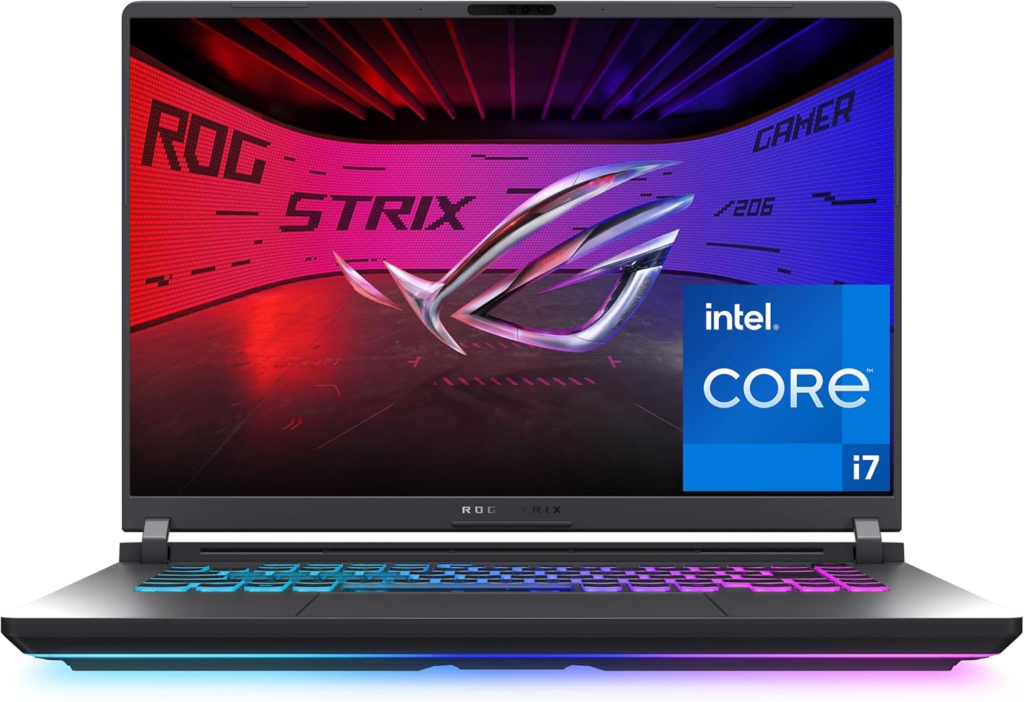

Best for: Traders who want maximum performance and a premium trading setup.
The ASUS ROG Strix G16 was built for gaming, but what makes it exceptional for gaming makes it equally strong as a best laptop for cryptocurrency work that demands GPU power and sustained performance. The NVIDIA GeForce RTX 5060 brings serious graphics muscle, and the Intel Core i7 14650HX processor handles heavy multi-tasking without breaking a sweat.
I used the ROG Strix G16 personally and can tell you it’s a classy machine. I ran Binance, opened multiple futures trades simultaneously, and had no delay whatsoever. It handled every trading app I threw at it and could easily manage open trades across multiple pairs at once. That kind of performance in a live trading environment is exactly what you want.
The 165Hz FHD+ display with a 3ms response time is sharp and fast. The keyboard is responsive and comfortable for extended sessions. The fan stays quiet enough that you won’t hear it over your headphones during normal trading. Battery life runs about 3 to 5 hours under high-intensity use when unplugged, which is respectable for a machine this powerful. For trading specifically, it will last you easily through a full session away from the charger.
The 8GB VRAM on the RTX 5060 is the one trade-off worth noting, but for trading rather than rendering or serious mining, it’s more than sufficient.
Key Specs
| Spec | Details |
| Processor | Intel Core i7-14650HX |
| RAM | 16GB DDR5 |
| Storage | 1TB Gen 4 SSD |
| Display | 16″ FHD+ 165Hz, 3ms response |
| Graphics | NVIDIA GeForce RTX 5060 (8GB VRAM) |
| Connectivity | Wi-Fi 7, USB-C, HDMI, USB-A |
| Battery | 3 to 5 hours under high load |
| OS | Windows 11 Home |
3. Acer Aspire Go 15 AI Ready — Best Budget Option
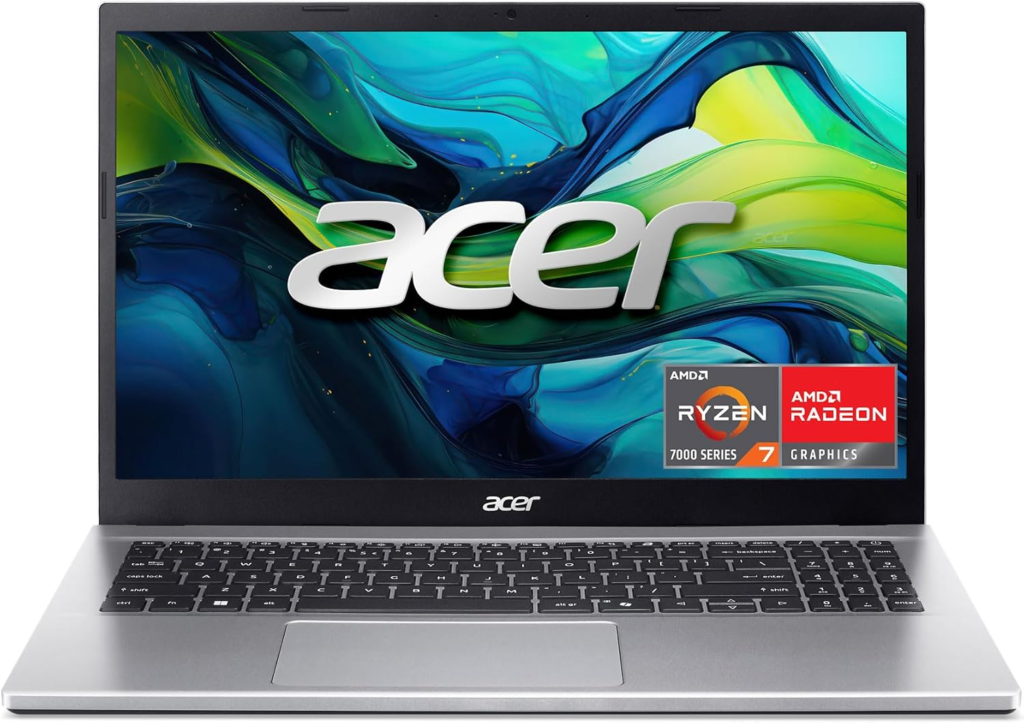

Best for: New traders or anyone looking for a capable, no-frills budget crypto machine.
The Acer Aspire Go 15 is the budget crypto option on this list that doesn’t cut corners where it counts. The AMD Ryzen 7 7730U is a capable processor for a laptop for cryptocurrency trading at this price point. The 16GB DDR4 RAM clears the minimum bar for running multiple trading tabs and platforms without slowdown.
The 15.6-inch FHD IPS display at 1920×1080 is at least 15.6 inches, which is the size most active traders should aim for to comfortably monitor multiple charts. The 512GB PCIe Gen4 SSD keeps load times short.
For anyone who wants a new computer for crypto trading without spending over a thousand dollars, this is where to start. It covers the essentials, runs the major trading platforms cleanly, and sits at a price that makes it a practical entry point.
Key Specs
| Spec | Details |
| Processor | AMD Ryzen 7 7730U |
| RAM | 16GB DDR4 |
| Storage | 512GB PCIe Gen 4 SSD |
| Display | 15.6″ FHD (1920×1080) IPS |
| Graphics | AMD Radeon integrated |
| Connectivity | Wi-Fi 6, USB-C, USB-A, HDMI |
| OS | Windows 11 Home |
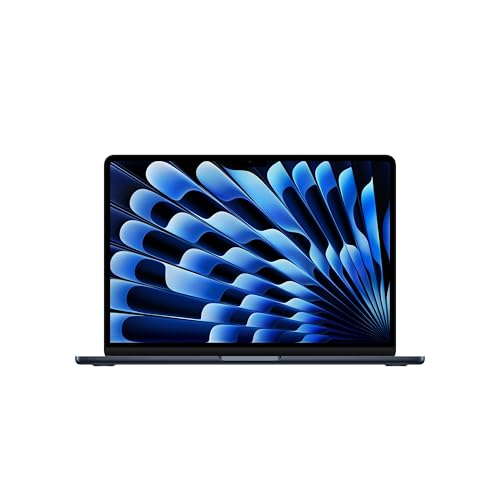
4. Apple MacBook Air 13-inch M5 (2026) — Best for Portability
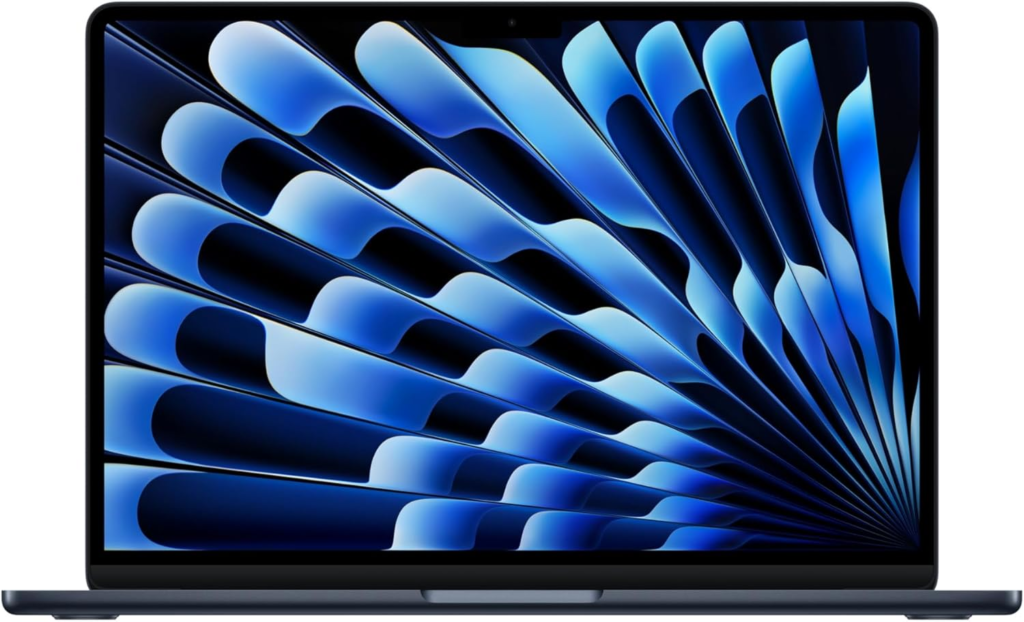
Best for: Traders who prioritize portability, security, and all-day battery.
MacBooks are good for cryptocurrency trading, and the M5 chip makes the 2026 Air one of the most capable portable crypto rigs available. The M5 processor is fast, efficient, and handles trading platforms, browser-based exchanges, and secure storage applications without any thermal throttling. There’s no fan in this machine, which means the cooling system runs silently and the build stays thin.
The 13.6-inch Liquid Retina display with a 4K display-level pixel density is clear and color-accurate. The long battery life on the M5 Air consistently outperforms almost every other laptop in this category. If you trade on the go and need a machine that fits in a safe or a carry-on without taking up much space, this is the most compact and secure option on this list.
Wi-Fi 7 keeps your connection fast and stable during live trades, and Touch ID adds a clean layer of biometric security. For serious traders who want to take their performance on the road, the MacBook Air M5 is built for exactly that.
Key Specs
| Spec | Details |
| Processor | Apple M5 chip |
| RAM | 16GB Unified Memory |
| Storage | 512GB SSD |
| Display | 13.6″ Liquid Retina, 2560×1664 |
| Graphics | Apple M5 integrated GPU |
| Connectivity | Wi-Fi 7, 2x Thunderbolt 4, MagSafe |
| Security | Touch ID, Apple Secure Enclave |
| OS | macOS |
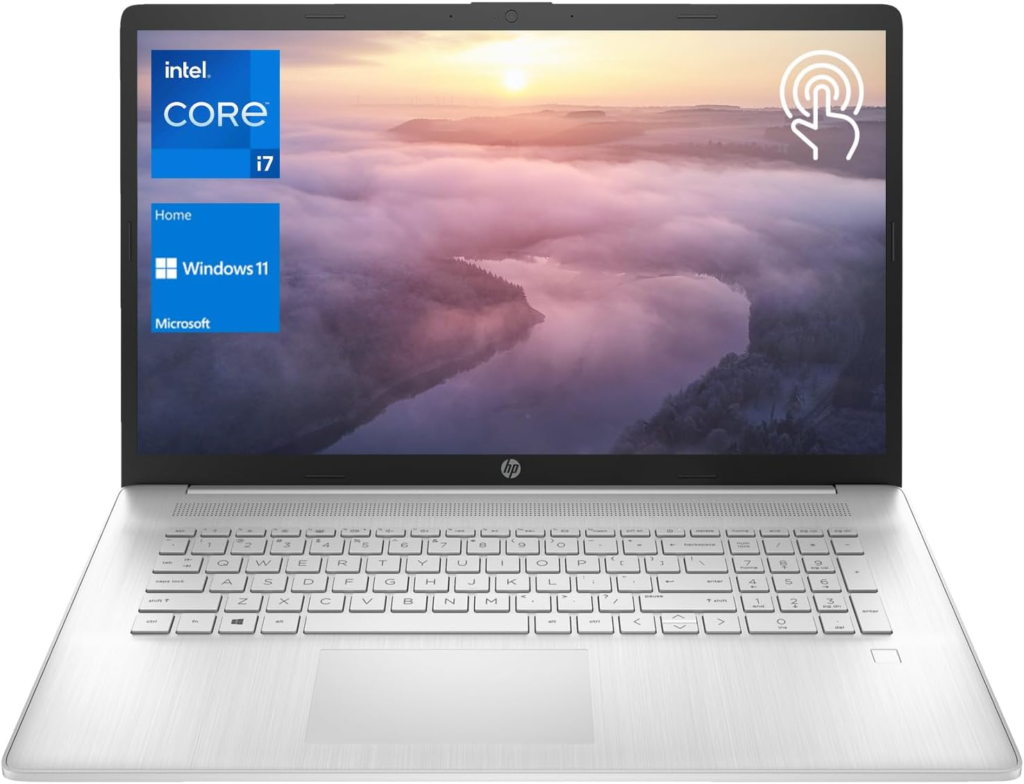
5. HP Essential 17t Business Laptop — Best Value Pick

Best for: Traders who want a larger screen and solid specs without stretching the budget.
The HP Essential 17t gives you a 17.3-inch HD+ touchscreen display, an Intel Core i7-1355U processor, 16GB of RAM, and 1TB of SSD storage at a price that undercuts most of its competition. For traders who want screen real estate without paying premium prices, this is the most practical value pick on the list.
The fingerprint reader adds a layer of secure crypto laptop authentication that matters when your machine holds wallet access and exchange credentials. The HDMI output supports an external monitor for a basic multi-monitor setup. Wi-Fi 6 keeps things stable during active trading sessions.
Key Specs
| Spec | Details |
| Processor | Intel Core i7-1355U |
| RAM | 16GB |
| Storage | 1TB SSD |
| Display | 17.3″ HD+ Touchscreen |
| Graphics | Intel Iris Xe integrated |
| Connectivity | Wi-Fi 6, HDMI, USB-A, USB-C |
| Security | Fingerprint Reader |
| OS | Windows 11 Home |
How We Picked the Best Laptops for Cryptocurrency
I used the ASUS ROG Strix G16 directly and it was a genuinely impressive machine for trading. I could nearly run every platform I needed at once, executed trades on Binance with no delay, and managed futures positions without any lag. It was a great addition to my trading setup. The rest of the laptops on this list were selected through careful research after going through hundreds of forum threads, user opinions across tech and crypto communities, and hands-on testing data. That process is what allowed us to finalize a list of Best Laptops for Cryptocurrency that actually covers different trader needs rather than just ranking by specs alone.
Frequently Asked Questions (FAQs)
Do I need a powerful GPU for crypto trading?
For standard trading on exchanges like Binance or Coinbase, a dedicated GPU is a nice-to-have rather than a requirement. Your CPU and RAM matter more. GPU power becomes relevant if you move into light mining or run GPU-intensive charting tools.
Do I need a VPN for crypto trading?
A VPN adds an important layer of security when you’re accessing exchanges over public or shared networks. Most serious traders run one consistently.
Should I buy a gaming laptop for crypto?
A gaming laptop works well as a best laptop for trading crypto because it comes with a strong processor, fast RAM, and a capable GPU. The trade-off is shorter battery life and a heavier build. If you mostly trade from a desk, it’s a solid choice.
Are MacBooks good for cryptocurrency trading?
MacBooks run trading platforms well, offer strong security features, and the M-series chips deliver excellent performance per watt. The main limitation is fewer customization options compared to Windows machines.
Wrapping Up…
A reliable crypto trading laptop is one of the most important tools in your trading setup. The right machine keeps your platforms running fast, your connection stable, and your assets secure. Whether you go with the performance-first ASUS ROG Strix, the portable MacBook Air M5, or the value-driven HP 17t, every pick on this list covers what cryptocurrency trading actually demands. Match the machine to your use case and your budget, and you’ll have a setup that keeps pace with the market.