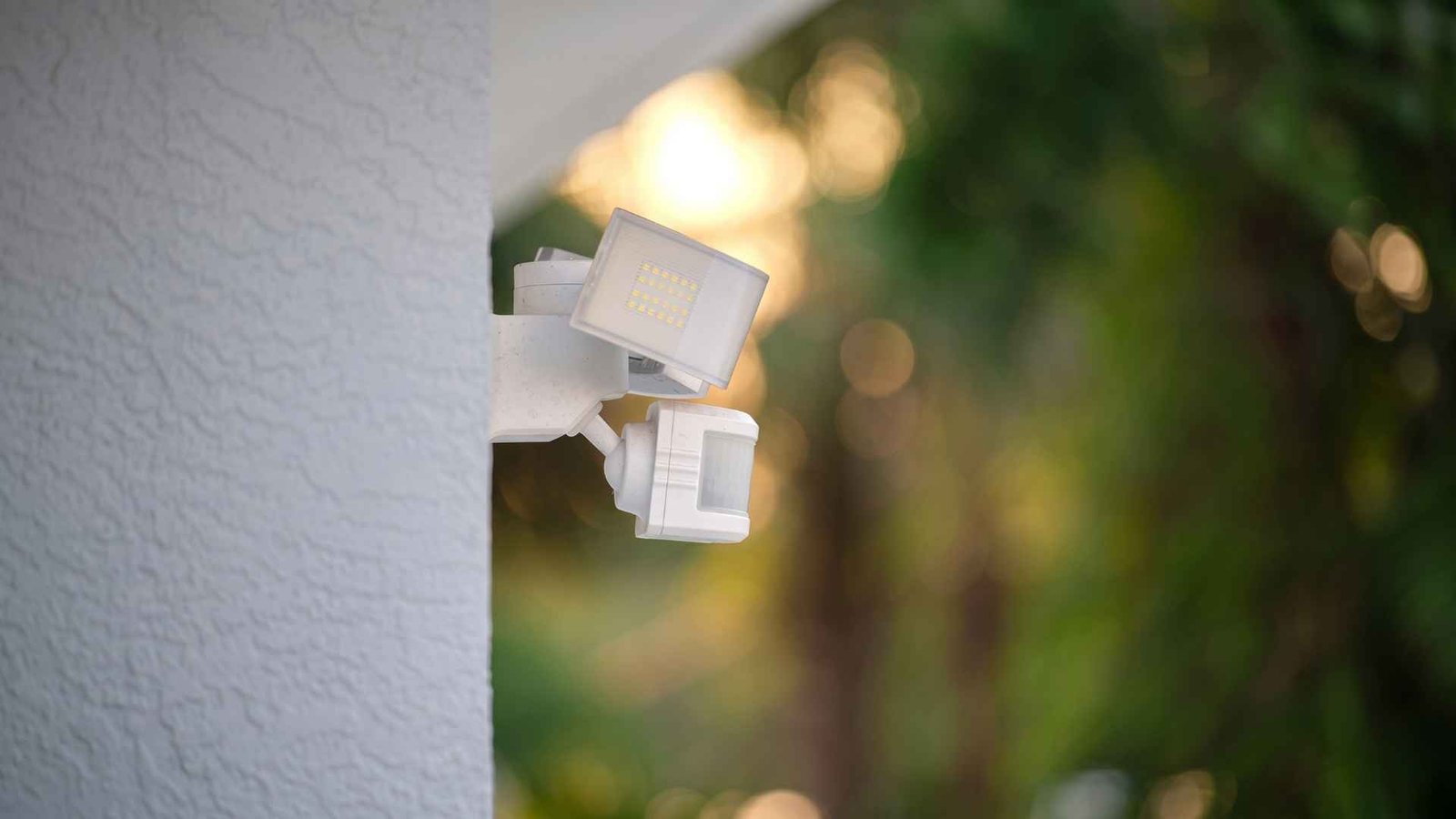
Two in the morning. Nobody’s out there. The porch light snaps on anyway, and now you’re standing at the window wondering if it’s a raccoon, a branch, or the fixture just losing its mind. It happens to most households who have had a motion sensor light installed for long enough to notice its quirks.
Most of the time you’re dealing with a sensor reading something it shouldn’t, not a fixture on its last legs. A motion sensor light keeps turning on for a handful of predictable reasons, and once you know what those are, tracking down the cause takes minutes, not a service call.
Below is a practical rundown of why a motion sensor light turns on by itself, what’s actually happening inside that little dome on your wall, and the exact steps to fix a motion sensor light without calling an electrician.
Key Takeaways
- False triggers usually come from heat, movement in the wrong spot, or sensitivity set too high
- Vegetation, cars, and pets cause more nuisance activations than actual faulty hardware
- Cleaning the lens and adjusting sensitivity solves the majority of cases
- A motion sensor light stays on constantly for a different reason than one that flickers on randomly, so match the symptom before you start adjusting anything
What Makes a Motion Sensor Light Turn On by Itself?
What Makes a Motion Sensor Light Turn On by Itself? Almost every residential fixture uses a PIR sensor, short for passive infrared. It does not emit anything of its own. It just watches for changes in infrared radiation, the heat signature every warm object gives off, moving across its field of view.
A cat crossing the yard, a car passing on a nearby street, or even a sudden gust pushing tree branches around can cause a problem. All of these can register as motion trigger events if the sensor is positioned wrong or dialed up too sensitive.
Fixing the issue starts right here. The sensor is not malfunctioning in most cases. It is doing exactly what it is built to do, just reacting to the wrong thing at the wrong moment.
How to Fix a Motion Sensor Light That Turns On by Itself
Lower the Motion Sensor Sensitivity
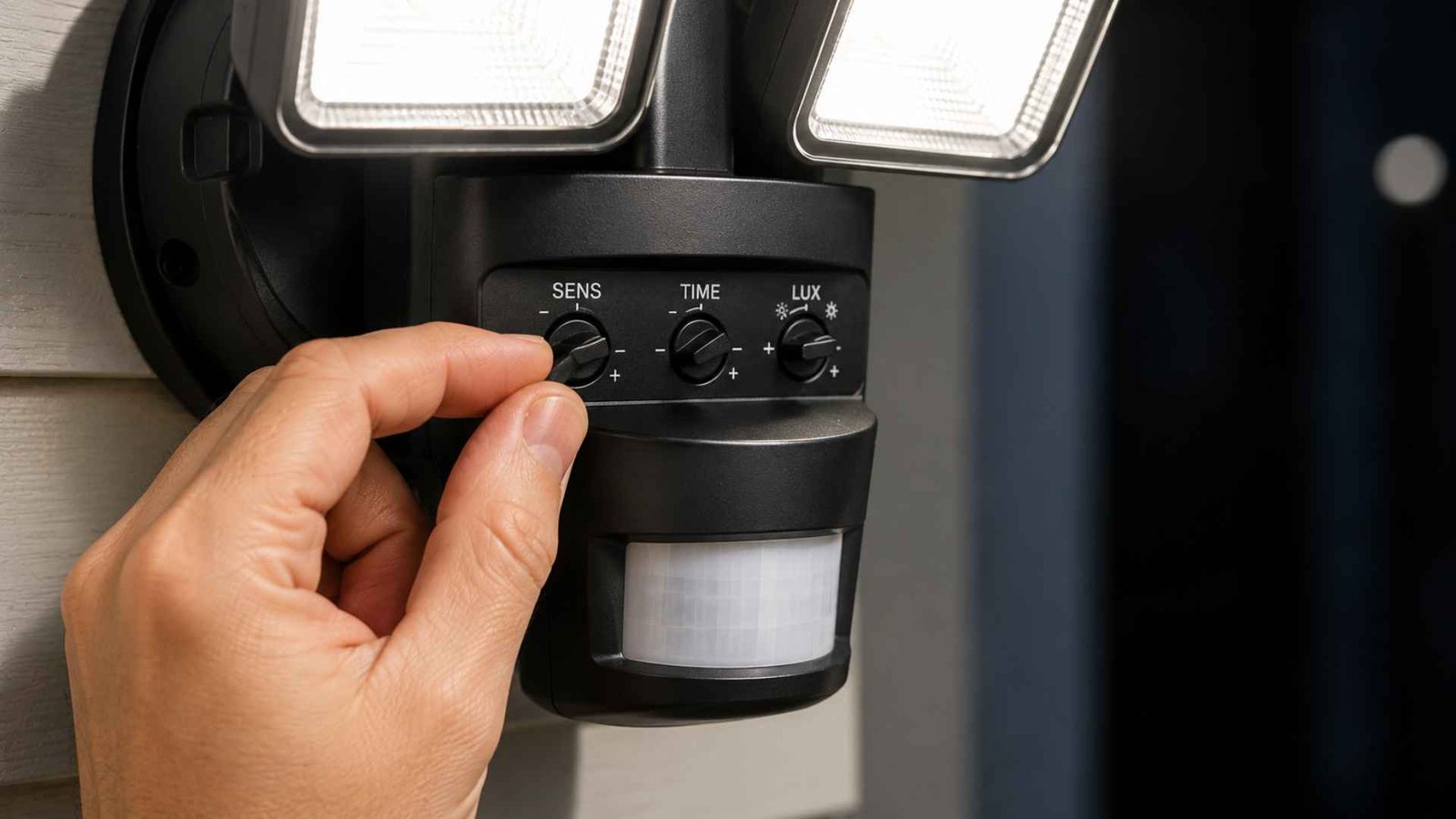
Most fixtures ship with sensitivity cranked higher than necessary straight out of the box. Find the small dial or slider, usually tucked under the sensor housing, and turn it down a notch or two.
Test at night since daylight throws off how the adjustment feels in practice, PIR units read differently once ambient temperature drops. This is usually the first thing to try when you want to fix a motion sensor light without touching anything else on the fixture.
A motion sensor sensitivity adjustment this small often solves the problem entirely, and it costs nothing but five minutes with a screwdriver and a bit of patience while you dial it in.
Reposition the Sensor Away From Moving Objects
If the light keeps catching cars on the street or a flag flapping nearby, the angle is the actual problem, not the sensitivity dial. Loosen the mounting bracket and tilt the sensor down and toward your property, away from the road or sidewalk entirely.
Even a small angle change narrows the sensor range enough to cut out background noise you don’t care about, while still catching anyone actually walking up to your door.
Check for Animals Triggering the Light
Raccoons, cats, possums, they’re warm blooded and plenty big enough to register on most fixtures. Walk the yard at dusk and see what’s actually moving through the detection zone before you touch a single setting.
Some fixtures include a pet immune mode that ignores smaller heat signatures closer to the ground, and switching that on can quiet things down without losing coverage for people walking upright.
Move the Sensor Away From Heat Sources
Dryer vents, AC units, exhaust fans, grills, anything that pushes warm air can register as motion, especially the moment it kicks on and shifts the surrounding air temperature. A heat source sitting inside the detection zone confuses the sensor constantly, and no amount of sensitivity adjustment fixes that on its own. Reposition the fixture or aim it away from the vent entirely rather than fighting the setting.
Clean the Motion Sensor Lens
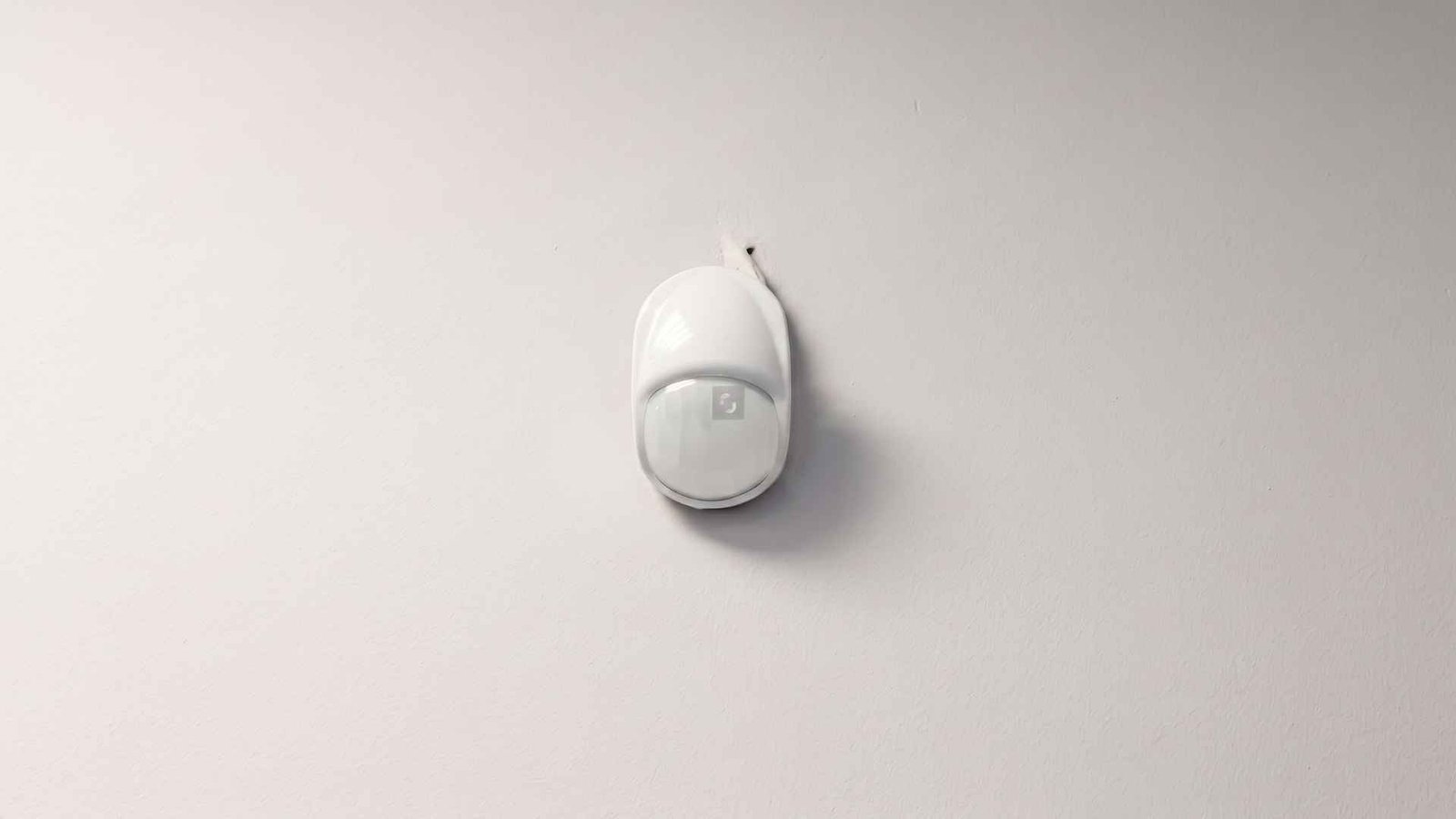
Dust, pollen, spider webs, they all scatter the infrared signal hitting the sensor lens before it ever reaches the sensing element underneath. A lens that’s dirty enough can misread ambient heat as sudden motion, tripping the light for no visible reason at all. Wipe it gently with a dry microfiber cloth every few months, especially if the fixture sits somewhere exposed to wind and debris year round.
Check the Timer and Operating Mode
Some lights aren’t malfunctioning at all, they’re just set to a mode you forgot about months ago. Dusk to dawn, always on, test mode, each behaves completely differently from the others.
Pull up the manual or check the switch settings and confirm the light timer and operating mode actually match what you want the fixture doing at night.
Another Good Read: How To Fix a Retractable Clothesline That Won’t Retract
Give the Sensor Time to Calibrate After a Reset
New install or fresh reset? Give it a minute or two before judging performance one way or the other. Most PIR units need a short calibration window to establish a baseline reading of the surrounding environment, and acting twitchy for the first sixty seconds is completely normal, not a sign of a defective unit.
What If the Motion Sensor Light Still Turns On Randomly?
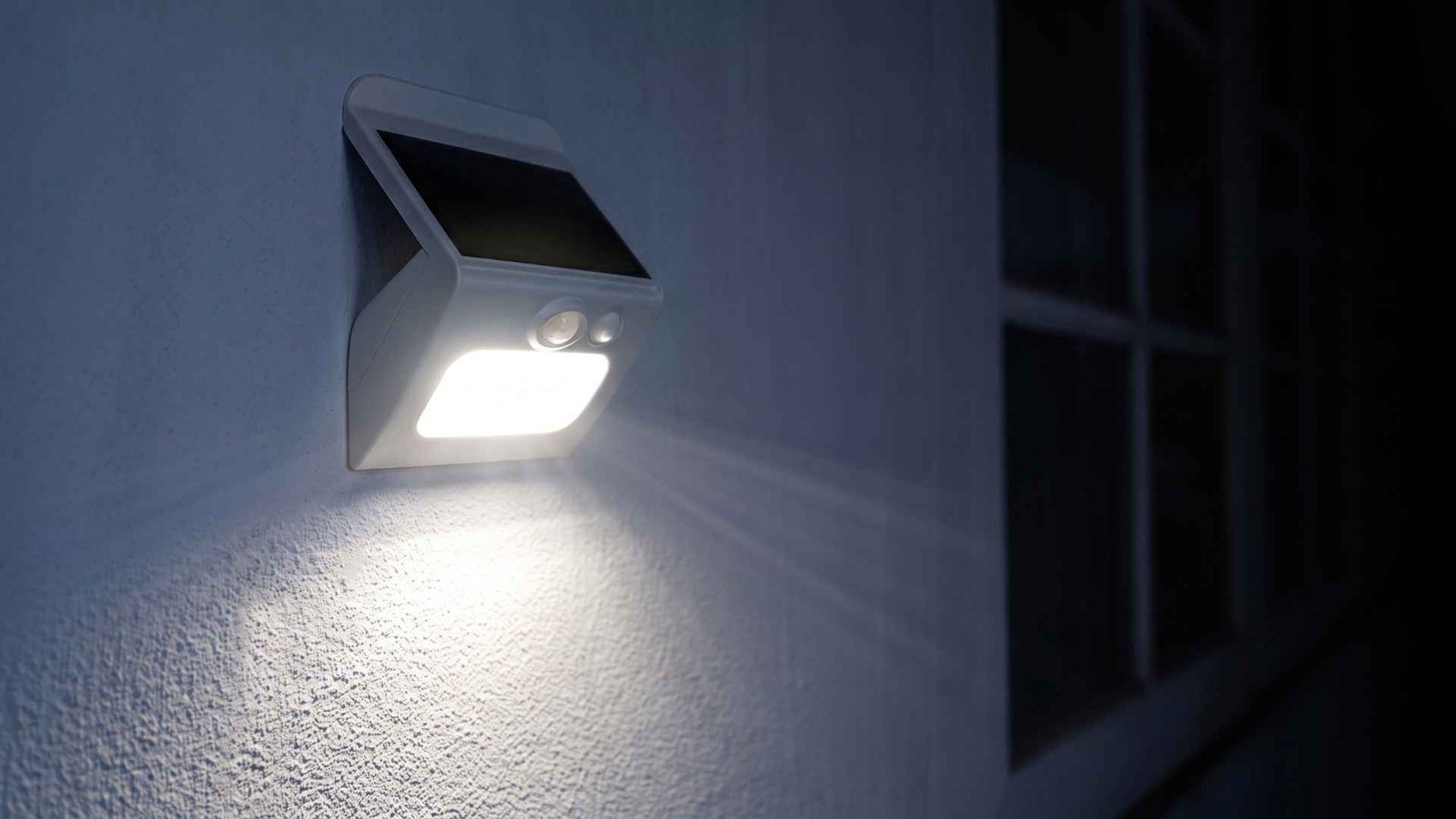
Worked through every fix above and the motion light turns on randomly regardless? A few things could be going on beneath the surface.
Wiring issues, a failing sensor component, or interference from nearby wireless devices can all cause erratic behavior that adjustments alone won’t solve.
At this point, motion sensor light troubleshooting shifts from settings to hardware itself, and it’s worth checking whether the issue started right after a specific event, like a storm, a power outage, or a new appliance installed nearby that changed the local heat pattern.
Trying to fix a motion sensor light at this stage means ruling out wiring before you replace the whole unit. If you’ve genuinely exhausted the basics and it’s still tripping, that’s your signal the fixture might need replacing rather than more tweaking on your end.
How to Tell a False Trigger From a Faulty Motion Sensor
| Behavior | More Likely Cause |
|---|---|
| Turns on when branches move | Sensor detecting movement |
| Activates when cars pass | Detection range too wide |
| Comes on around HVAC operation | Temperature change |
| Activates when animals pass | Wildlife |
| Turns on after power restoration | Calibration or reset |
| Stays on continuously | False activation, override, or fault |
| Random activation continues after adjustments | Possible sensor or wiring problem |
A motion sensor light false activation is usually explainable once you match the pattern above to an actual cause on your property. A motion sensor light false trigger tied to weather or wildlife rarely means anything’s broken.
A motion sensor light stays on constantly, though, points somewhere different entirely, often a stuck relay, an override switch left engaged by accident, or genuine PIR sensor false activation from a damaged component rather than an environmental trigger you could ever adjust your way around.
How to Prevent False Motion Sensor Activations
- Keep the sensor lens clean
- Trim vegetation within the detection zone
- Avoid aiming the sensor toward roads or busy walkways
- Keep heat and exhaust sources outside the detection area
- Use the lowest sensitivity that still covers the desired area
- Check the fixture after major weather changes
- Periodically verify the timer and operating mode
Outdoor motion light troubleshooting mostly comes down to this list, done consistently rather than once and forgotten about for years. A motion sensor light false activation you fixed in spring can quietly come back in fall once leaves pile up or heating systems kick back on, so revisit these basics with the seasons, not just the moment something goes wrong again.
When a motion sensor light turns on by itself repeatedly through a season change, it’s rarely coincidence, the environment around the sensor shifted and nobody adjusted for it. Motion detection isn’t a set it and forget it feature, it drifts as your yard and home change around it.
Wrapping Up…
A motion sensor light turns on by itself for reasons that are almost always traceable, heat, movement, angle, or a setting nobody’s touched in years. Motion detector light problems rarely mean the fixture is dying, they usually mean something around it changed and the sensor is simply reacting the way it’s built to. Work through sensitivity, positioning, and lens cleaning before assuming the hardware’s shot, since those three alone solve most complaints people bring to this exact problem. If you’ve been meaning to fix a motion sensor light that’s had you second guessing every late night noise outside, start small, adjust one thing at a time, and give the sensor a chance to settle before judging the result. Most of the time, the porch light isn’t broken. It’s just paying closer attention than you wanted it to.