You know the feeling when a bedroom gets so sticky you can barely breathe, or so bone-dry you wake up coughing.
Well, you do not have to guess what is ruining your sleep anymore. A digital hygrometer kicks out the mystery by tracking the exact moisture level in your room. Using one is not rocket science either. You just pick a good spot, give the sensors a few minutes to settle, and read the screen.
Get those three things right and a digital hygrometer in bedroom settings turns into one of the cheapest, most useful tools in the house, right up there with a smoke detector for how much it tells you without asking much in return.
What Is a Digital Hygrometer?

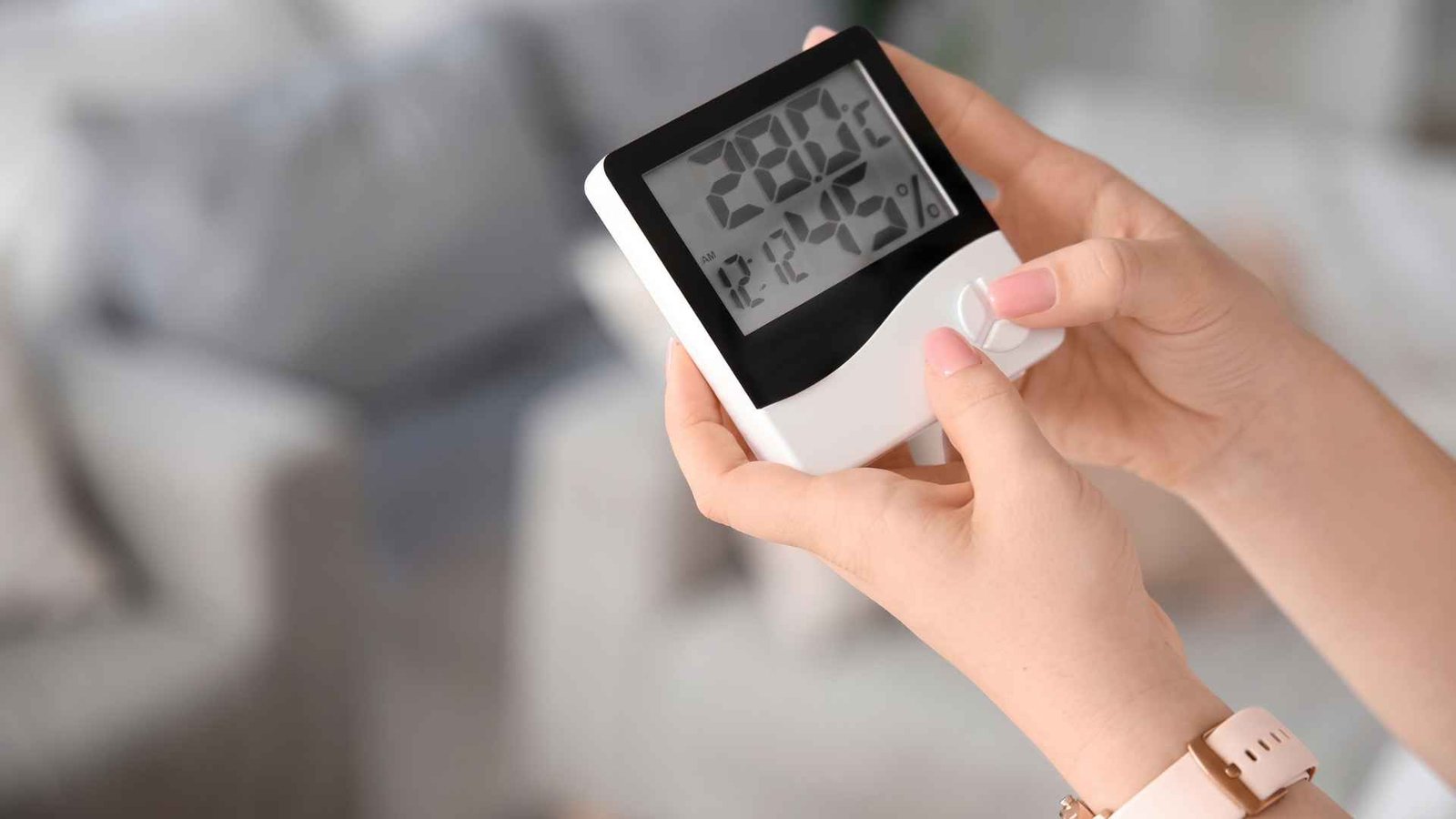
At its core, a digital hygrometer is just a handy little gadget that measures the water vapor in your room and shows it to you as a percentage. We call that relative humidity, and most digital models throw the temperature on the screen too.
Compared to the old analog dial versions, a digital humidity meter updates faster and tends to hold its accuracy longer without needing recalibration.
Setting one up in a digital hygrometer in bedroom location gives you a running record of whether the air leans dry, comfortable, or headed toward moist and muggy territory, which matters more for sleep quality than most people realize.
How To Use a Digital Hygrometer in a Bedroom
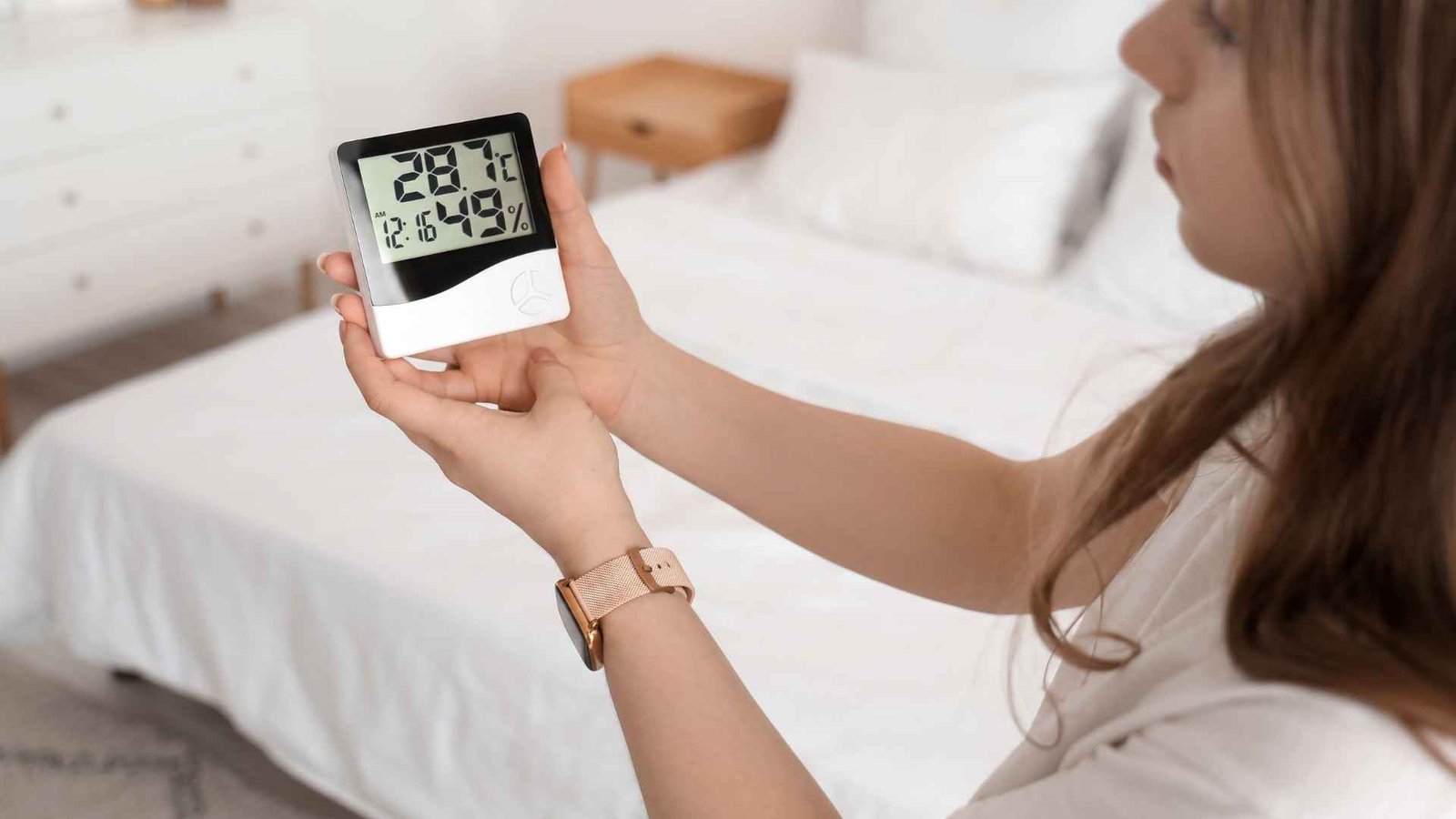
Turn On the Hygrometer and Check the Battery
Most digital hygrometers run on a small button battery or a pair of AAAs, and a weak battery is the most common reason for a reading that seems off. To measure your room humidity, power it on and confirm the display is steady.
Put the Hygrometer in the Right Location
The next thing you need is to put it in the right place to get the accurate readings. You need to mount or set the hygrometer about 5 feet, or 1.5 meters, above the ground. You can place it on an interior wall, a central shelf, or a natural nightstand.
Keep it away from windows, vents, and direct sunlight, since these all can skew the reading. Do not place your hygrometer in the bathroom or kitchen because steam and cooking moisture will throw off anything meant to reflect general bedroom air. You also shouldn’t place it near a heat source like a radiator or lamp.
Give the Hygrometer Time to Adjust
After setting it up, wait about 5 minutes as the hygrometer adjusts to the air around it before reading the number. Checking it the second you set it down usually gives a reading that’s still catching up to the room.
How To Read a Digital Hygrometer
Once it settles, the hygrometer reads the humidity of the air as a straightforward percentage, and a few practical ranges help make sense of what you’re looking at.
- Below 30 percent: the air is relatively dry. This is also the range where static electricity starts building up more easily, since dry air can’t carry a charge away the way moist air does.
- 30 to 50 percent: generally a useful indoor target range, and most guidance treats 40 to 50 percent as normal for a comfortable bedroom.
- Above 50 percent: humidity is becoming elevated, and the room may start to feel moist or muggy even if nothing looks visibly wrong yet.
- Above 60 percent: sustained humidity deserves attention, since excessive indoor moisture at that level can contribute to problems such as mold.
How To Tell If Your Bedroom Is Too Humid
A few signs tend to show up together once bedroom humidity level readings climb too high for too long. You will see condensation collecting on windows, followed by air that feels damp or clammy against the skin even when the thermostat says the room isn’t warm.
Besides, a persistent musty odor is another giveaway, and it often shows up before any visible moisture does. Humidity readings that repeatedly land high also point to an ongoing issue instead of a one off event like a hot shower down the hall.
Moisture collecting around cold surfaces, like a windowsill or an exterior wall, rounds out the list and usually means the air is holding more water than the room can comfortably manage.
What To Do If Humidity Is Too High
When the humidity in your bedroom starts climbing, better airflow is usually the easiest place to start. Open a window or improve ventilation when outdoor conditions are suitable, since bringing in drier air can help lower the moisture that has built up inside. Running the air conditioner can help too. Besides cooling the room, an AC system also removes some moisture from the air as it runs.
If the humidity stays high despite those changes, a dehumidifier gives you much more direct control. Instead of waiting for the room to dry out on its own, you can actively bring the humidity back toward a comfortable level.
It is also important to figure out where the extra moisture is coming from. A plumbing leak, damp wall, or another hidden source can keep pushing the humidity back up no matter how often you open a window or run a fan.
The EPA recommends keeping indoor relative humidity below 60 percent, with 30 to 50 percent considered an ideal range. That is a useful target to keep in mind when checking your bedroom digital hygrometer.
Where Do I Place a Hygrometer?
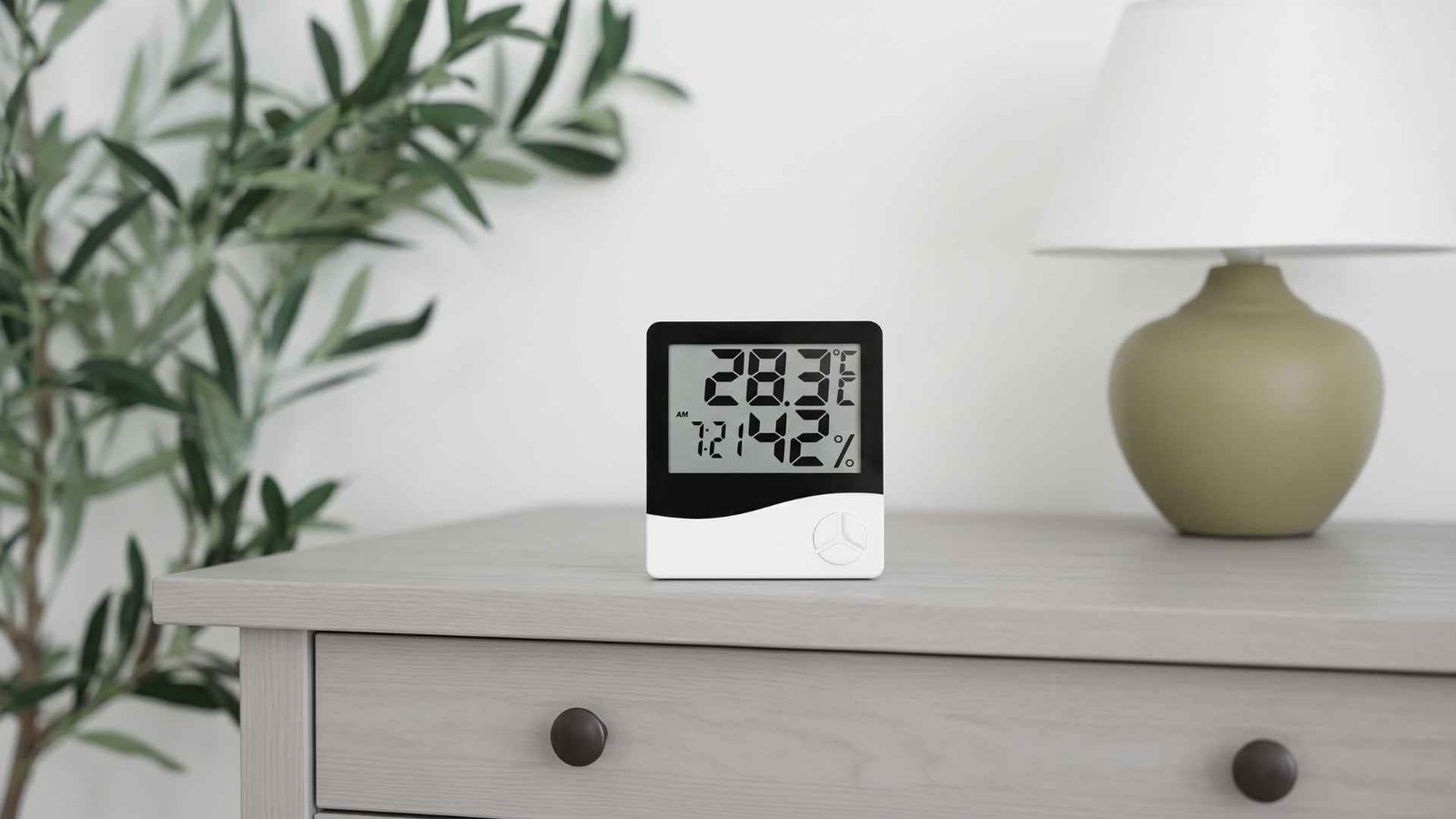
Placement decides whether the number you’re reading actually reflects the room or just one weird corner of it. A digital hygrometer in bedroom setups works best mounted on an interior wall, roughly chest height, away from windows, exterior walls, and anything that generates its own heat or moisture.
Avoid spots near a humidifier or dehumidifier vent directly, since the reading right at the outlet will look different from the air a few feet away where you’re actually sleeping. Corners tend to trap stagnant air and can throw off hygrometer placement accuracy. Turns out, an open wall with normal airflow gives the most honest picture of what the whole room is actually experiencing.
How To Use a Hygrometer With a Humidifier or Dehumidifier
Pairing a hygrometer with either device turns guesswork into an actual target. Set the humidifier or dehumidifier to run until the hygrometer settles somewhere in the 40 to 50 percent range, then check back periodically rather than assuming the setting holds steady all season.
Humidity levels are often low during the winter months once heating systems dry the air out, which increases allergens and dust mites in your home even though it feels like the opposite problem.
A consistent 68 degree room paired with about 40 percent humidity has been linked to better sleep quality, which is reason enough to keep the hygrometer running year round instead of pulling it out only when something feels off.
Frequently Asked Questions (FAQs)
Is 70 percent humidity too high for a bedroom?
Realistically, that number is far too high for a healthy sleep environment. It sits well past the ideal thirty to fifty percent comfort zone, and letting your room simmer at that level practically invites mold growth while ensuring you toss and turn all night.
Are digital hygrometers more accurate?
Traditional analog dials look interesting, though modern digital sensors register subtle shifts in the air much faster. They also hold their calibration over years of normal use, so you do not have to constantly tinker with them.
How long does it take for a hygrometer to get an accurate reading?
You usually only need to wait about five minutes. However, if you just brought the hygrometer inside from a drastically different climate, like a freezing car trunk into a warm bedroom, give the sensors an extra ten minutes to find their footing.
Wrapping Up…
A digital hygrometer is only as smart as its placement. It does you no good if you tuck it into a weird, stagnant corner of the room or misread the screen. You need to give the device a few minutes to adjust, park it far away from open vents or radiators, and check the display often enough to spot a moisture issue before it spins out of control. Getting the placement right in your bedroom will help you measure the humidity accurately. It transforms a vague, annoying sensation of stuffy or dry air into a hard, clear data point.